Japanese Ramen Simulator: Kitchen Layout, Expansion & My Designs
Plan kitchen routes, expansion and My Designs customization using confirmed features, with advice for staff stations and co-op space.
How should I arrange the kitchen before expanding?
Plan the paths you actually use: preparing ingredients, assembling food, delivering orders and returning dirty dishes. The game officially supports arranging equipment, furniture, storage and decorations. The route-based layout below is editorial advice rather than a measured best floor plan, and no exact spacing or expansion-cost table has been verified.
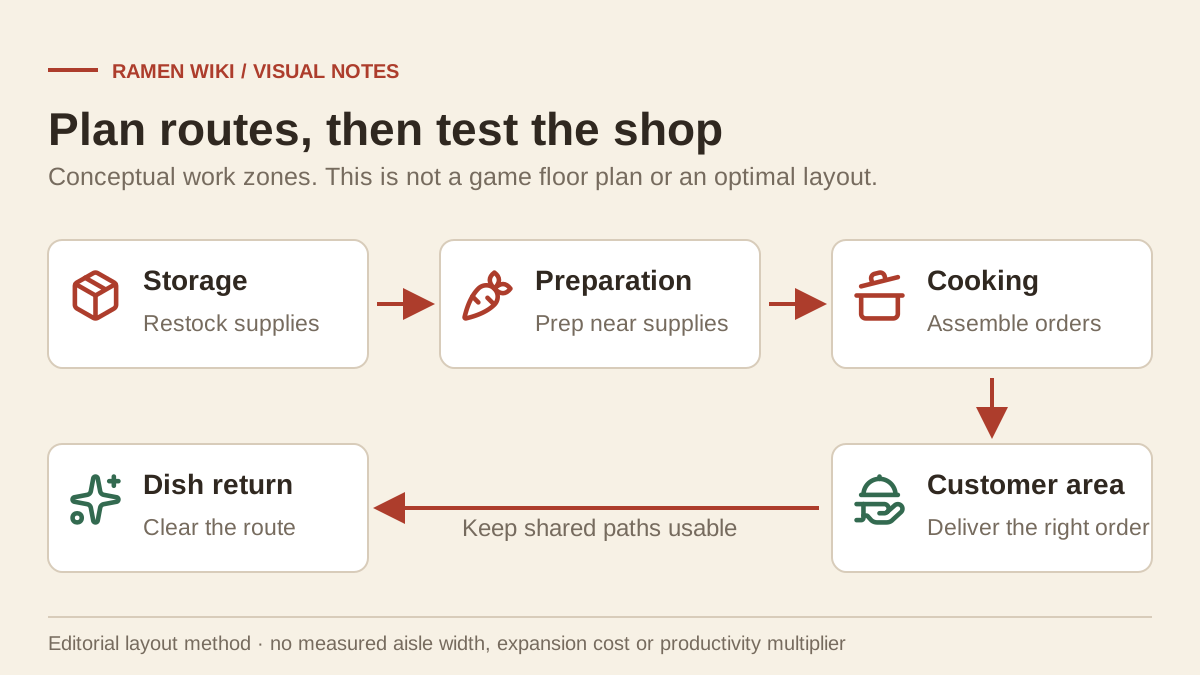
The official Steam description confirms customization and expansion using earnings. Shop Levels also unlock equipment and ingredients. Consult the verified unlock guide before assuming an unfamiliar machine becomes available at an achievement milestone.
| Area to inspect | Suggested layout check | Relevant confirmed feature |
|---|---|---|
| Ingredient preparation | Keep a usable surface near supplies | Placed cutting boards can be secured |
| Bowl assembly | Check access to broth, noodles and toppings | These are part of the cooking system |
| Customer service | Walk the delivery route before opening | Equipment and furniture can be rearranged |
| Dish return | Check access from seating to the staff station | Dishwasher placement shows the staff waiting point |
| Storage and restocking | Try carrying supplies through the route | The patch adjusts handcart turning and stopping |
This table gives a method for assessing your shop, not required room dimensions or a promise of faster ratings.
How can I test whether the layout works for staff and friends?
Walk the route yourself, then observe a real collection-and-return cycle from cleaning staff. In co-op, ask teammates to try their assigned tasks together. This is an editorial test of access and shared space; the official waiting-position marker helps with placement but does not guarantee every custom floor plan.
- Place or move the equipment and inspect the displayed equipment name.
- Check the staff waiting position while placing its dishwasher.
- Walk from storage to preparation, then to the customer area.
- Return a dirty dish to the cleaning station.
- Observe staff movement and revise obvious obstructions.
- Have teammates repeat their co-op roles at the same time.
The Day 1 patch fixed staff stopping after failed collection or return, and prevents them walking onto two-burner stoves. See solo staff behavior for the confirmed tasks. Do not assume those fixes certify every tight passage.
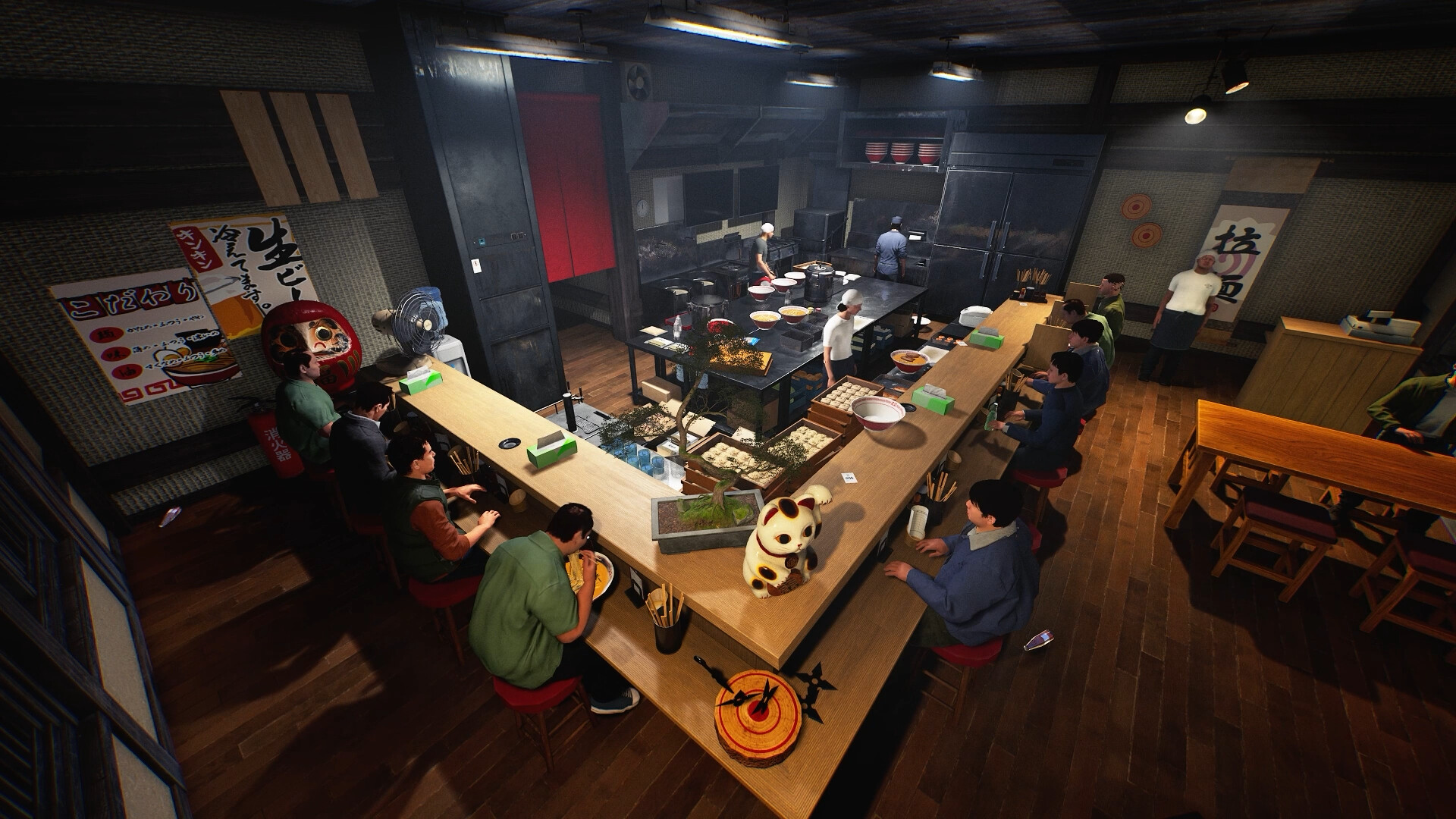
Which objects support My Designs?
The official description lists posters, noren curtains and ramen bowls as My Designs targets, and also describes custom clothing patterns. The launch update adds support for Wide Noren. Choose the intended target and finish equipment placement first, because design mode cannot be entered while placing or moving an object.
The patch also adjusts the design-selection view so designs are centered in shapes matching their target. This helps choose an appropriate design, but no verified image-size, file-format or import-limit specification is available in the checked sources.
If an object is still being placed or moved, complete that action before trying to switch modes. This is a documented interaction restriction, rather than evidence that the object can never be customized. The update additionally states that the initial shop sign cannot be sold; do not plan on selling it to fund an expansion.
Which achievements relate to redesigning the shop?
Applying a My Design for the first time and expanding the shop for the first time each have an official achievement. Appearance customization at the locker has a separate achievement. These conditions identify specific actions; they do not require a published expansion size, a particular artwork or a decoration score.
The Steam achievement page lists “Living Up to the Sign,” “Room to Dream” and “A New Look for the Owner.” Use the full achievement checklist to distinguish those actions from Shop Level milestones. For expansion decisions, test your current routes and observed space needs rather than relying on an unsupported return-on-investment estimate.
Related game screenshots
Related Articles
restaurant
Japanese Ramen Simulator: Food Critic & Boss Customer Guide
Check the four named boss challenges, the before-opening invitation rule and first-clear rewards, without inventing fixed winning recipes.
restaurant
Japanese Ramen Simulator: Orders, Tickets & Customer Service
Organize customer orders, food and drinks with a practical service workflow, and see which order-ticket handling details remain unverified.
restaurant
Japanese Ramen Simulator: Shop Levels & Verified Ingredient Unlocks
Check launch-patch ingredient purchase and order thresholds at levels 25, 26 and 28, clearly separated from achievement milestones.
Was this helpful?
Thanks for the feedback!