Japanese Ramen Simulator: Beginner Guide
Start your first ramen shift with a practical preparation, cooking and service checklist, plus verified tutorial changes from the launch patch.
Your first shift: the workable order
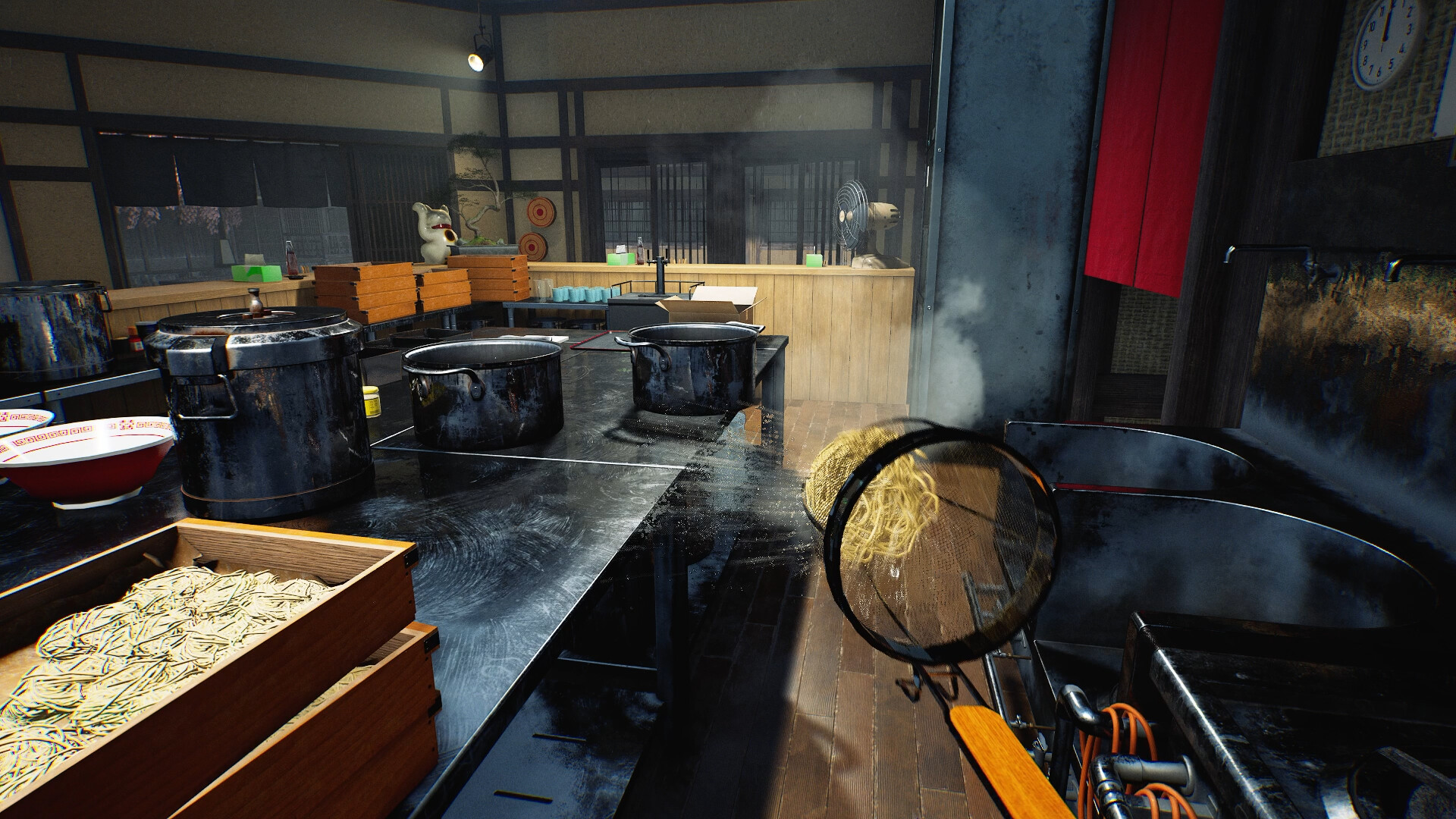
Japanese Ramen Simulator asks you to prepare ingredients, build bowls and keep service moving. Start with the tutorial and its current on-screen instructions. The official Steam description confirms physical cooking, first- and third-person views, single-player, co-op and NPC part-time help.
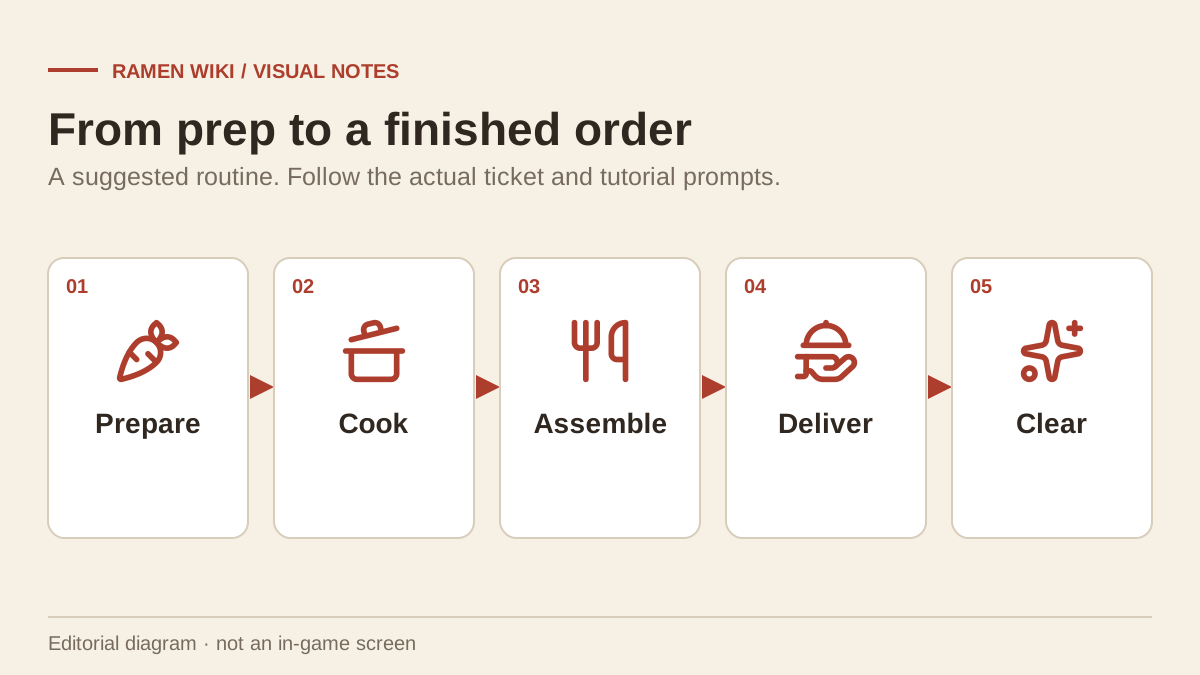
The routine below is editorial advice. It is not a timed speedrun or a guarantee of a particular rating.
| Stage | What to check before moving on |
|---|---|
| Setup | You can read the interface, use the interaction prompts and navigate your stations. |
| Preparation | Your current order ingredients and clean serving items are within reach. |
| Cooking | The bowl matches the actual order; watch the game’s cooking and quality feedback. |
| Service | Food and drinks go to the correct customer, with no forgotten side order. |
| Closing | Deal with dirty dishes and use the game’s save controls before leaving. |
If the interface starts in Japanese, use the language and controls guide before opening. Do not guess unfamiliar interaction keys while carrying a nearly complete order.
Prepare before taking on more work
Arrange the supplies for the menu you currently have. Keep a preparation area, a cooking area and a route to customers. Short routes make errors easier to spot; this recommendation does not depend on buying a specific unverified “best” workstation.
For a placed cutting board, the Day 1 patch confirms that you can aim at it and right-click to secure or release it. A secured board can still be used for ingredients and cutting. Check packaging and preparation prompts before placing food into a bowl: a launch-day player reported an unopened ingredient bag becoming part of an incorrect order, with no verified recovery answer.
Use the confirmed ramen menu for known categories. The published sources do not establish a complete set of ingredient quantities, noodle seconds or five-star formulas. The current order and its feedback are more useful than invented numbers.
Cook, check, then serve
The official store explains that noodle texture, soup temperature, aroma, umami and serving timing affect the finished dish. It does not provide a scoring equation.
A suggested check before serving is:
- Re-read the requested bowl and any side dishes.
- Check the ingredients and broth against that order.
- Inspect the game’s preparation or quality feedback.
- Confirm the destination customer before carrying the dish out.
- Return to the next active order before starting unrelated preparation.
Read orders and tickets for a way to track work when several customers are waiting. That page marks ticket mounting and disposal details as unverified rather than inventing a ticket-holder shortcut.
Reduce the solo workload
NPC part-time help is a confirmed feature. The launch patch specifically documents dish-clearing staff collecting dishes, trays and empty drink bottles. It does not establish automatic cooking for every station.
In a solo shift, try to keep dish returns and ingredients from sharing the same narrow route. The solo and staff guide explains the confirmed cleaning duties and dishwasher behavior.
If the tutorial seems stuck
The Day 1 update changes how some earlier actions count toward tutorial progress, including noodle draining, beer pouring and other listed tasks. Beer no longer needs a completely filled mug for its tutorial requirement. The patch also fixes a nori-ramen tutorial progress issue.
First check that Steam has installed the current update and compare the unfinished objective with its on-screen wording. A patch note is evidence of a change, not proof that every later tutorial failure has been solved. If the objective still fails, note the exact task and game version before reporting it.
A sensible first-day goal
Finish a day with a routine you can repeat: readable orders, organized preparation and manageable dish clearing. There is no verified launch-day profit target in the sources used here. Improve one bottleneck at a time instead of relying on a supposed mandatory cash balance.
Related game screenshots
Related Articles
guides
Japanese Ramen Simulator: Controls, Language & Cart Settings
Check confirmed controls, interface languages, controller limits and cart changes, with careful steps for launch-day input and language problems.
guides
Japanese Ramen Simulator: Platforms, Release Date, Price & Demo
Check the October 9 Early Access release, Windows availability, launch pricing and the difference between historical closed tests and a public demo.
guides
Japanese Ramen Simulator: Save Location, Backups & Steam Cloud
Find the Steam Cloud metadata save path and follow a copy-first backup checklist, with clear limits on untested restores and co-op progress.
Was this helpful?
Thanks for the feedback!